Make pencil notes work for you
A note is a possibility, not a promise. Give your memory a little less to carry.
Back to today's puzzle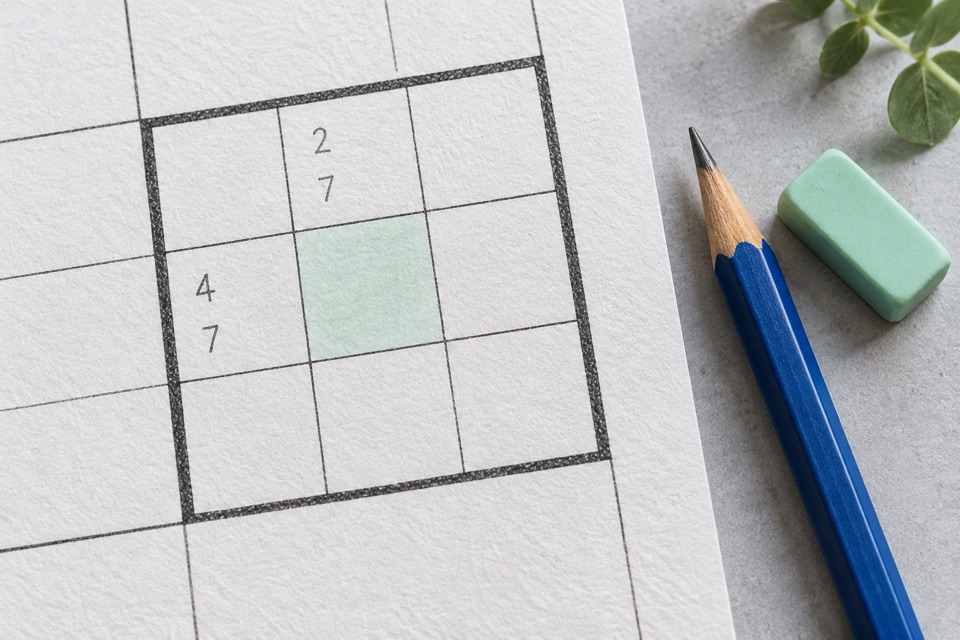
Start with a useful question
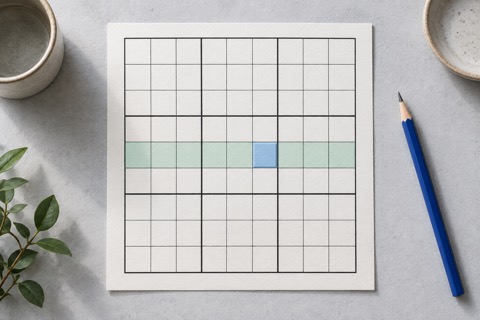
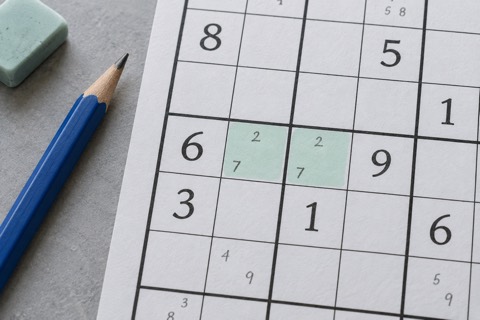
Pick an empty cell and ask which digits its row, column, and box still allow. Record those candidates in small type. Do not write only the number you hope is correct: a useful candidate list includes every remaining possibility for that cell.
If you are noting only one area, that is fine. Just do not treat unnoted cells as if they have no candidates.
Use Notes in DaySudoku
- Select an empty cell.
- Turn Notes on, then tap each candidate digit.
- Tap a candidate again to remove it.
- Turn Notes off before placing a final answer.
Notes cannot be added to the original givens or to a cell that already has a final digit. Erase clears the selected editable cell, including its notes. Undo reverses an edit from the current visit; it can restore notes that an entry removed.
Reduce possibilities, don’t guess
Say a cell has notes 2, 4, and 7. You then establish a 2 elsewhere in its row and a 7 elsewhere in its column. Both are now ruled out, leaving 4. The explanation is what turns that small note into a final answer.
| Check | Possible digits |
|---|---|
| Missing from the row | 2, 5, 7 |
| Missing from the column | 1, 5, 8 |
| Missing from the box | 3, 5, 9 |
See the answer & why
5. Only 5 appears in all three lists. Every other digit is ruled out by at least one of the cell's row, column, or box. This is a naked single.
DaySudoku does not automatically generate candidates or remove them from neighboring cells. After you place a number, revisit the notes in its row, column, and box. Stale notes can hide the next step.
A quick reset when notes get messy
Stop adding marks for a moment. Choose one nearly full unit and recalculate its empty cells from the final numbers on the board. Keep confirmed facts separate from possibilities. If an earlier entry was a guess, reconsider that entry before trusting deductions based on it.
Why did all the notes in one cell disappear?
Do notes increase my hint count?
Will my notes survive a break?
Next: find a hidden single, where a number has only one possible home in a unit. Ready to go one step further? Spot a naked pair to remove candidates before you know either cell’s final answer.